SiteRack features
Whether you manage one WordPress site or forty, staying on top of security can be a real challenge. SiteRack is here to help you keep your sites secure.
A bird’s-eye view
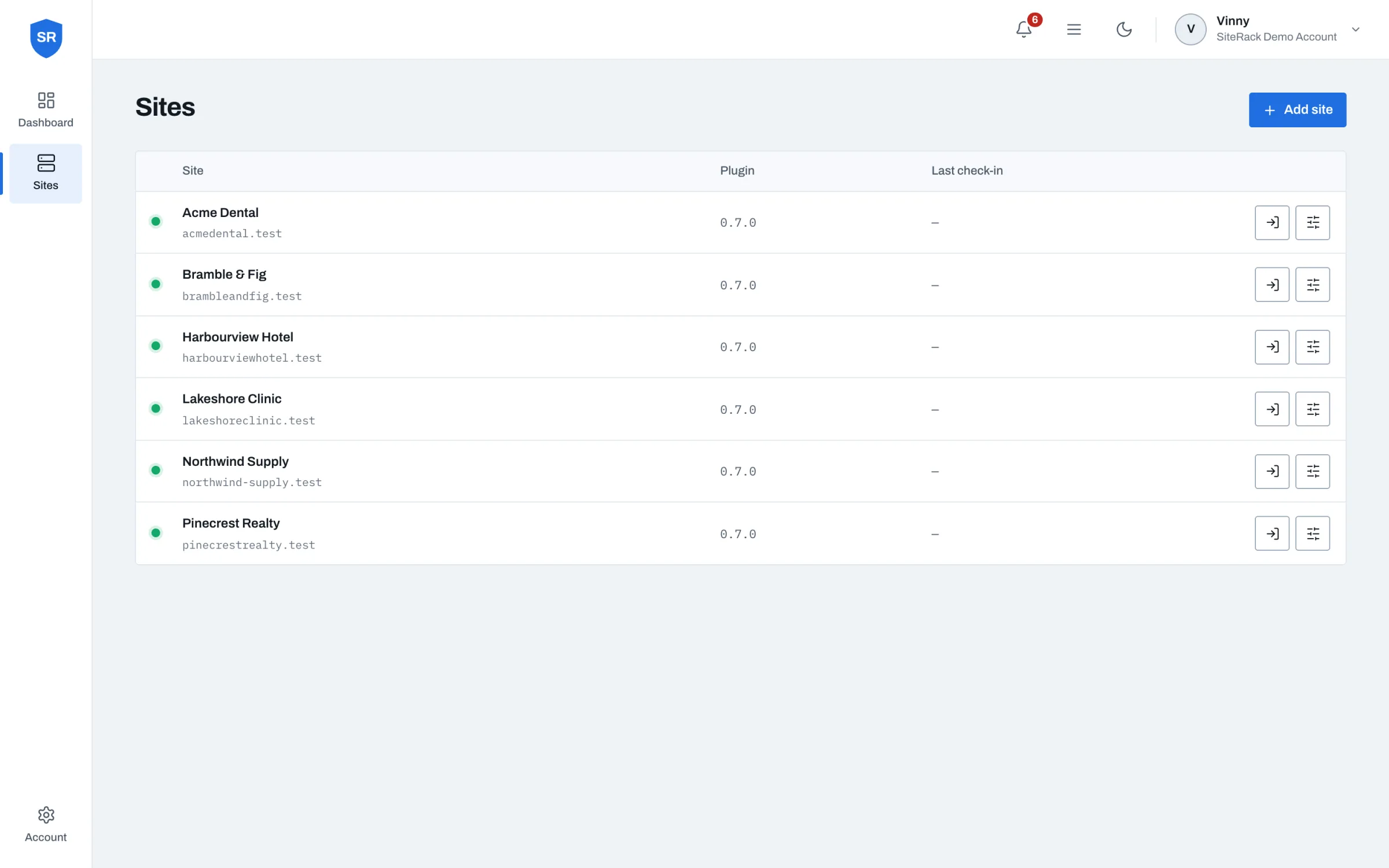
No matter how many sites you have or how many web hosts they’re spread across, SiteRack makes it easy to keep an eye on things from one central dashboard.
Plugin vulnerability alerts
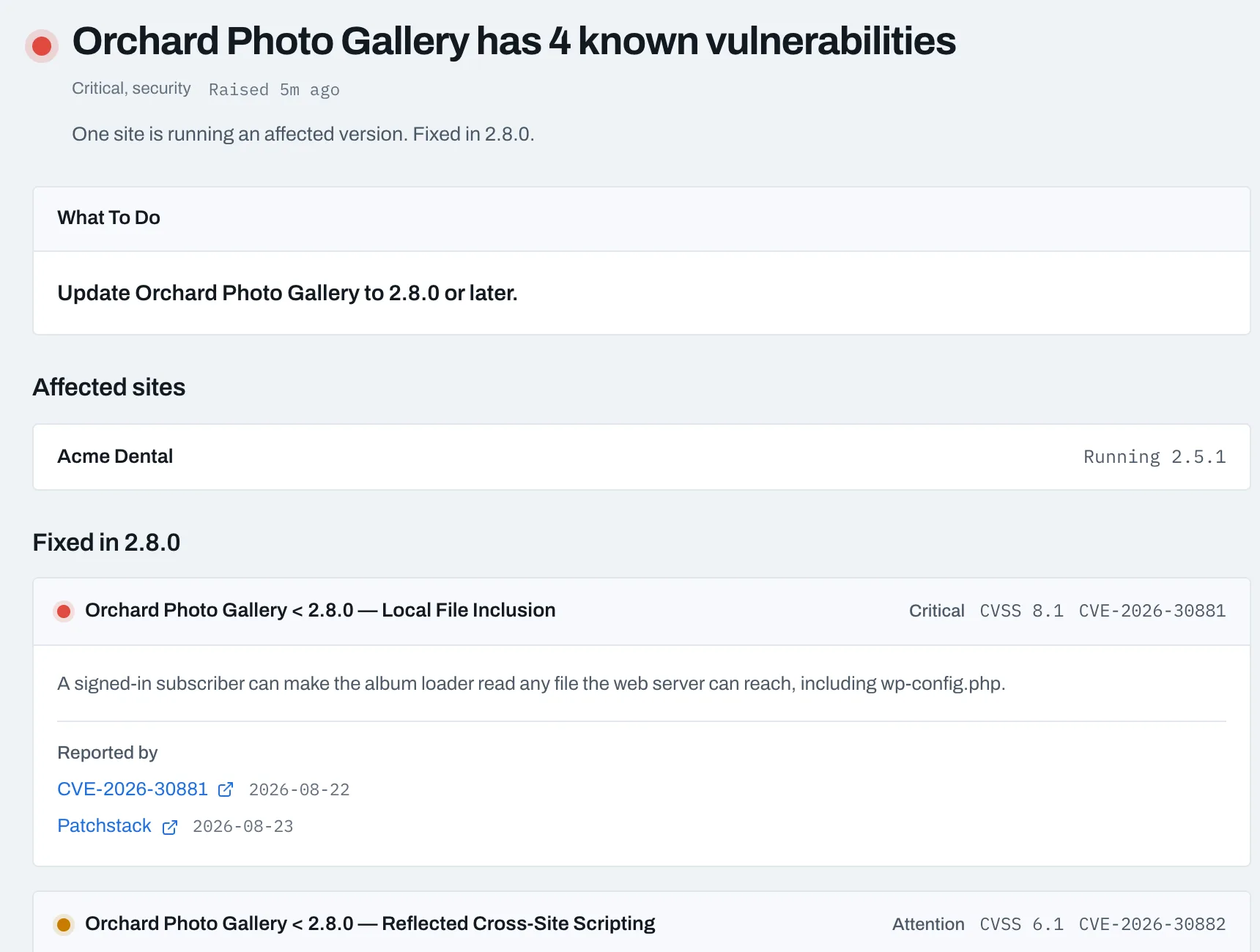
Know immediately when a plugin on any of your sites has a published vulnerability and which release fixes it so you can patch before it becomes an incident.
Malware scanning
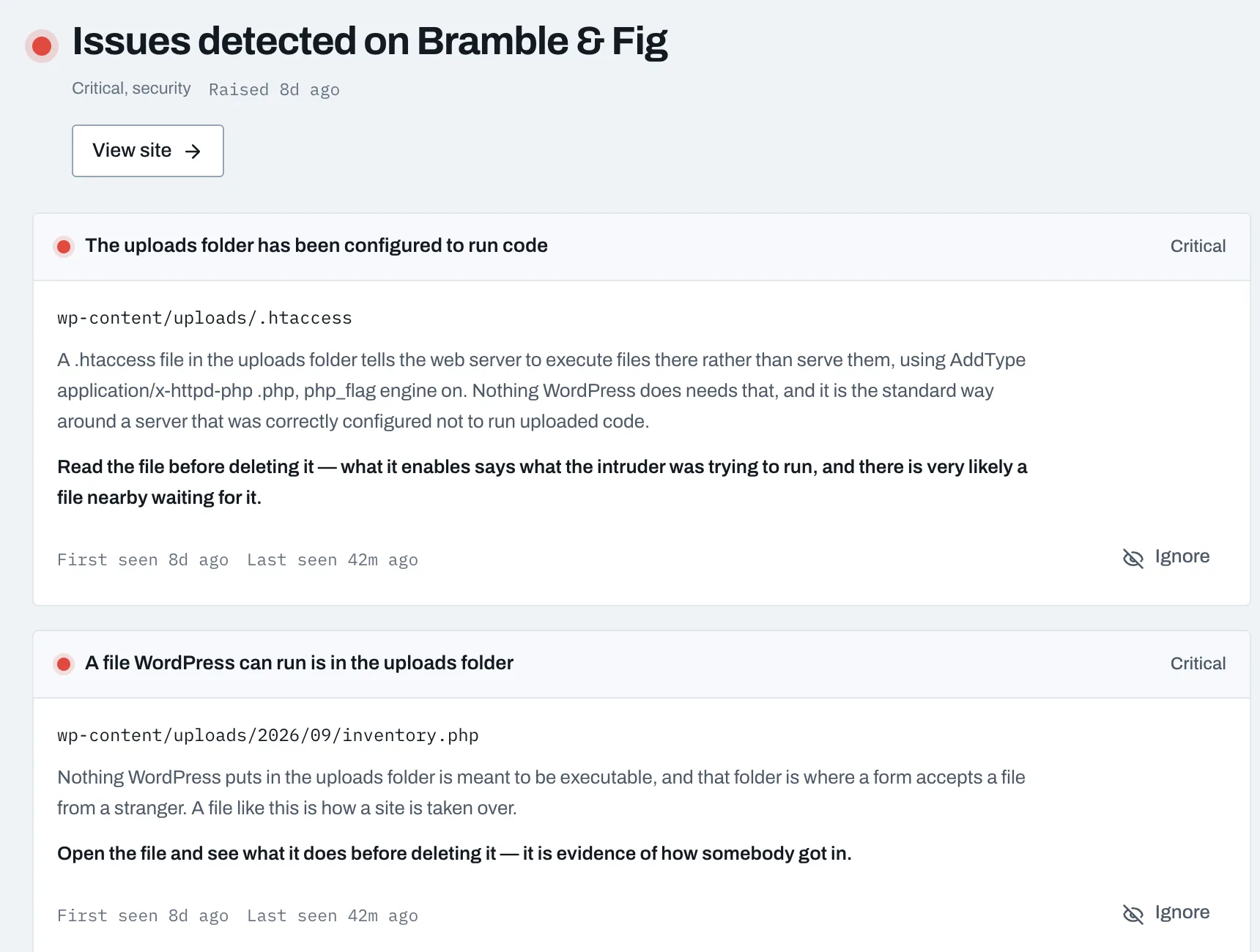
Daily malware scans across your entire fleet of sites. Scanning happens on our side, so your site stays fast.
Activity logging
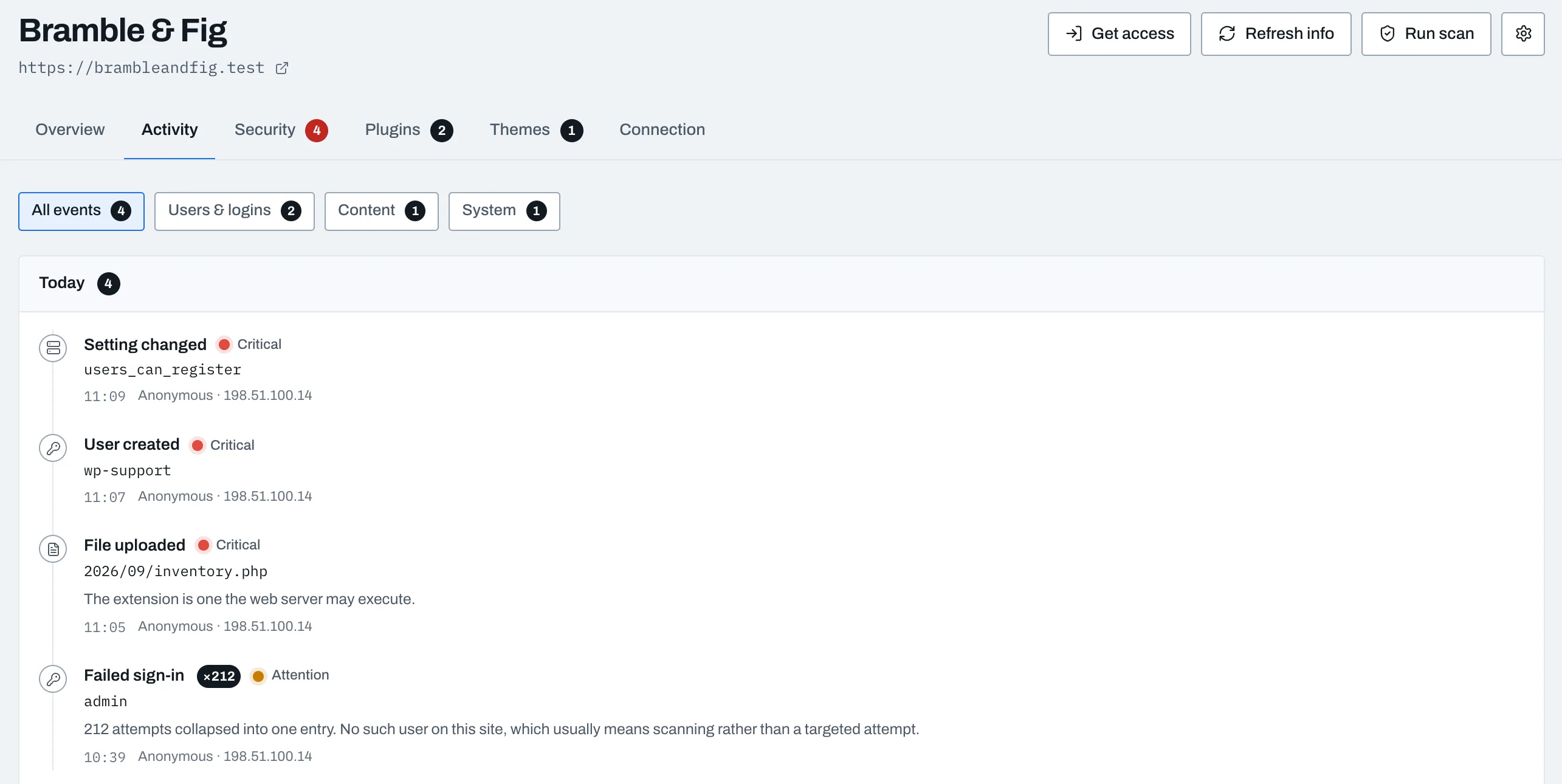
Every change, from user logins to configuration edits, in one log per site. Full visibility and accountability, kept for thirty days on the free plan and a year on Pro.
WordPress security alerts
Timely alerts for security releases of WordPress core, told apart from routine updates, so you can act before a small problem becomes a big one.
Single sign-on
Stop juggling credentials. Sign in to any of your sites with one click from the dashboard, and switch it off for the whole account whenever you like.
Two-factor and passkeys
An extra layer on your SiteRack account, so only you can see your dashboard and use single sign-on from it.